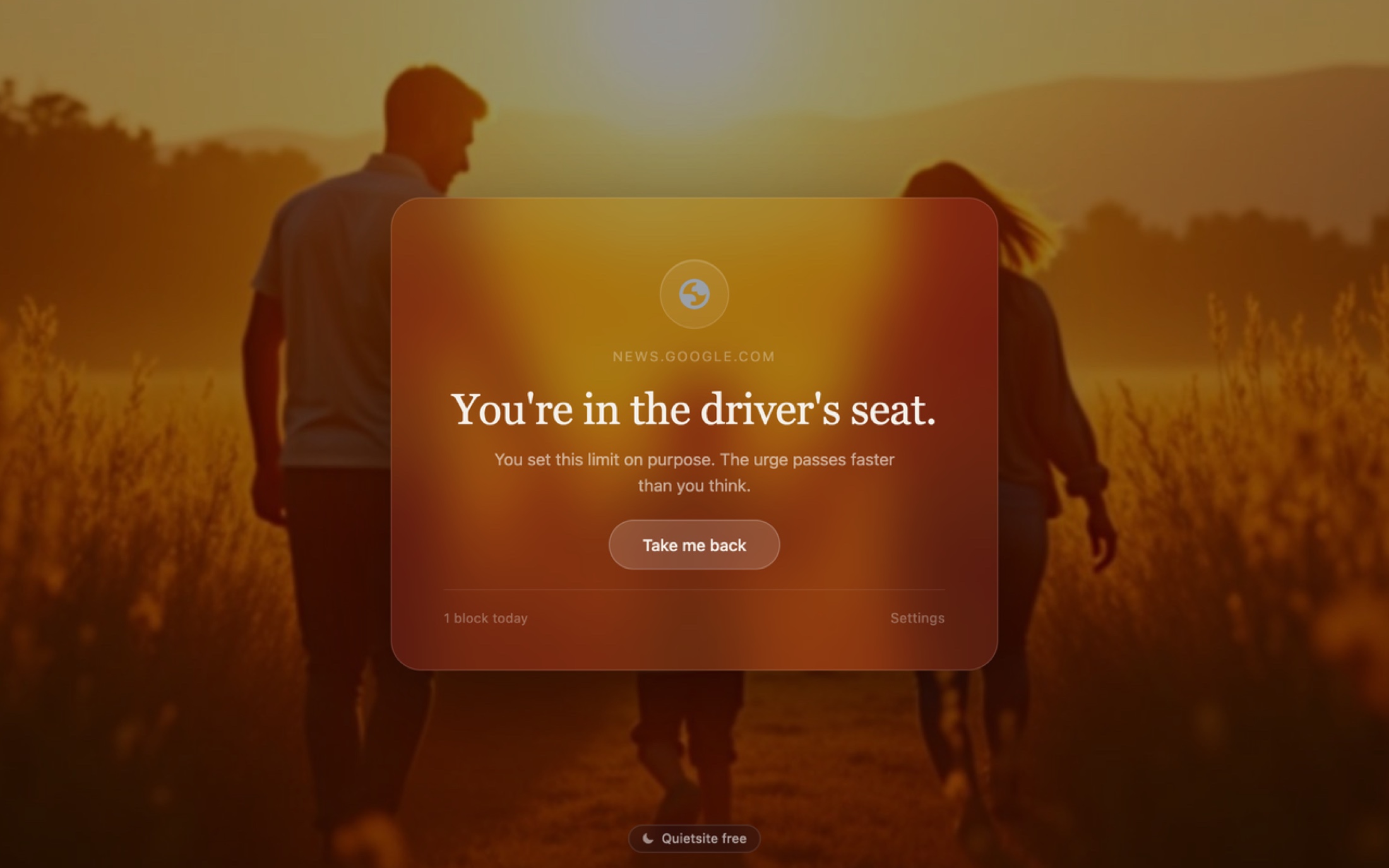
Quietsite blocks the sites that pull you off course, then lands you somewhere like this: a quiet evening, your own reasons, and a way back. No ads, and nothing to sign up for.
Set the scene, like you will on your own block page:
The problem
A blocker should not be louder than the sites it blocks.
The best-known blockers cap their free plans, put upgrade prompts in the product, and route account features through their servers; the comparison below carries the links. Quietsite does the one job cleanly: you say which sites pull you away, and when you drift toward one you land on a quiet page with your own reason and a single button back. No cap, no upsell, and your browsing activity is not sent to anyone.
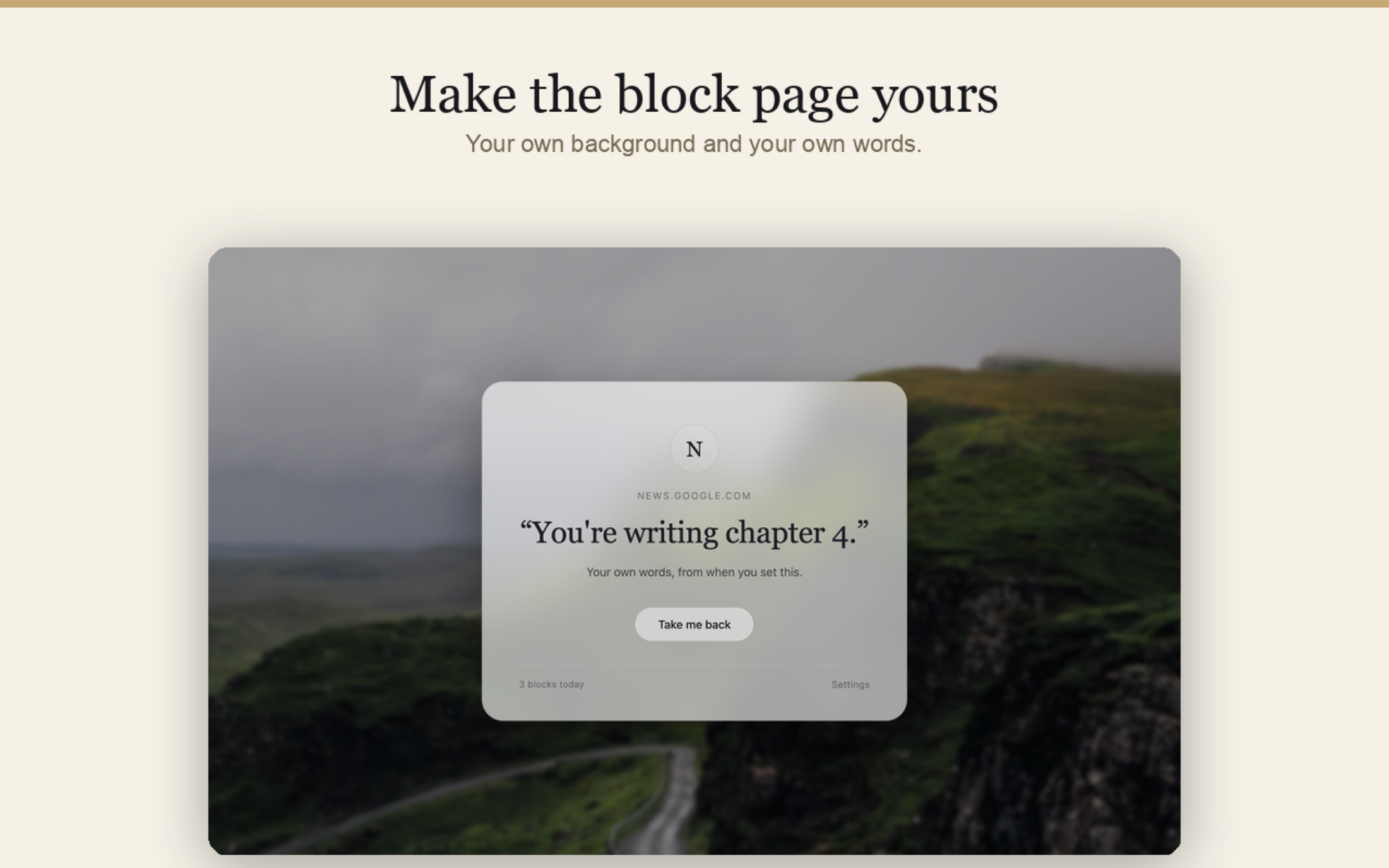
Make it yours
Land on the life you're choosing over the feed.
The Studio turns the block page into something you actually want to see: a newborn, a golden-hour walk, your own photo with a live preview. Your photo previews live right on your device.
Six calm moods
Dusk, dawn, forest, mono, ocean, and ember: full-bleed gradients with slow color, matched to the time of day you tend to drift.
Your own photo
Blur, dim, text color, and alignment, tuned in a live preview. The photo lives on your device.
Content blocks
Opt in to a daily artwork, a short poem, or an on-this-day note on your block page, all bundled with the extension so nothing is fetched. Off by default, delightful when on.
The moment it works
The moment you drift, it catches you.
The site you typed never loads. What appears instead is your own reason, in your own words, and one obvious way back to what you were doing. This is the real app's behavior, not a mockup.
news.google.com
"You're writing chapter 4."
Your own words, from when you set this.
Take me back
How it works
Three steps, and the third one is the point.
Step 1: Name what pulls you away
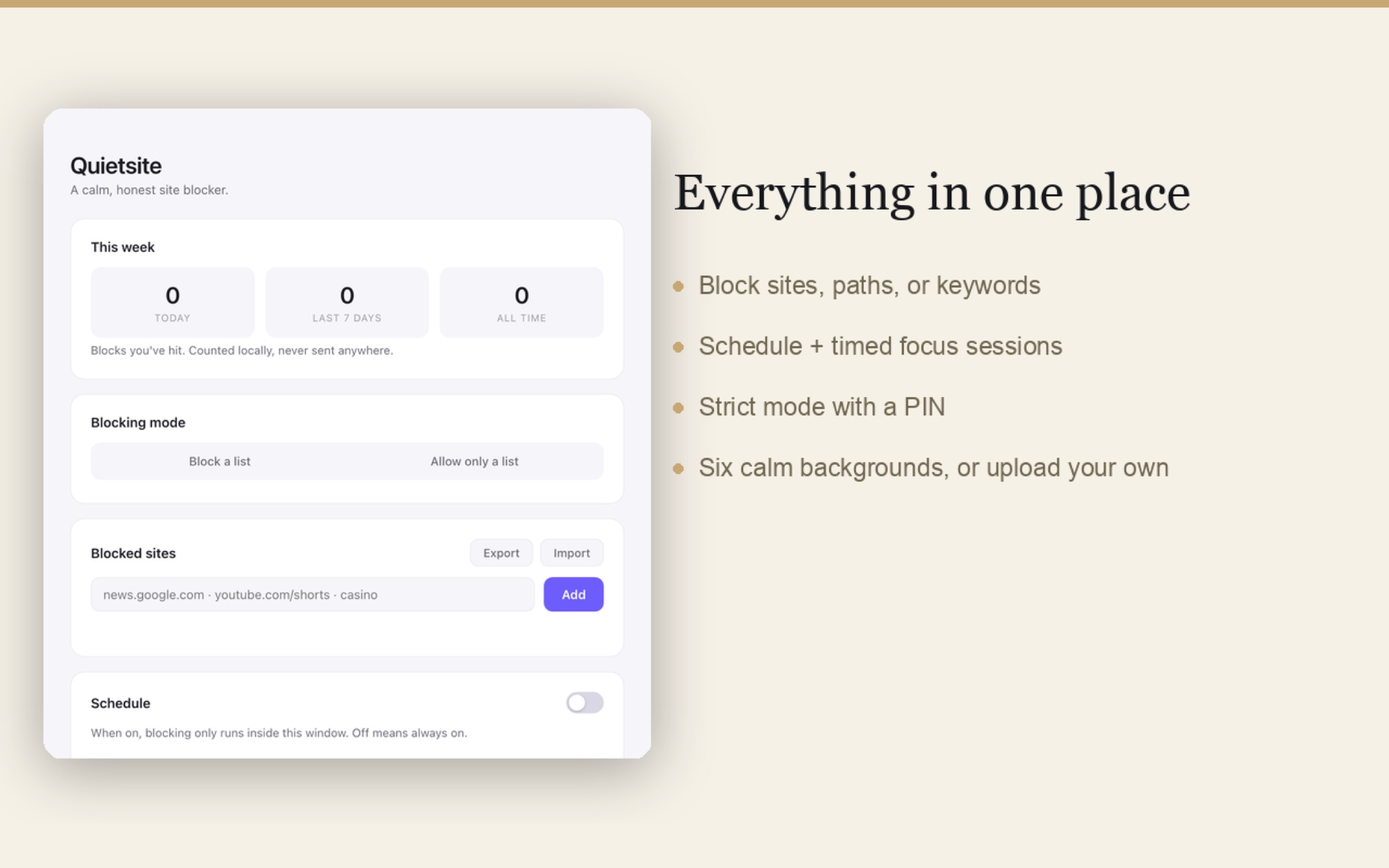
Add a site, a specific path like youtube.com/shorts, or a keyword. Subdomains are covered automatically, and one tap blocks the ready-made feed traps: Shorts, the X home feed, Reddit popular.
Step 2: Write yourself a reason
The block page can show your own words from the moment you set the block. "You're writing chapter 4" lands differently than a generic error ever could.
Step 3: Land somewhere quiet
When you drift, you get a full-bleed, beautiful page with the site's icon, your reason, and a Take me back button. It lowers the temperature. Esc works too.
Block
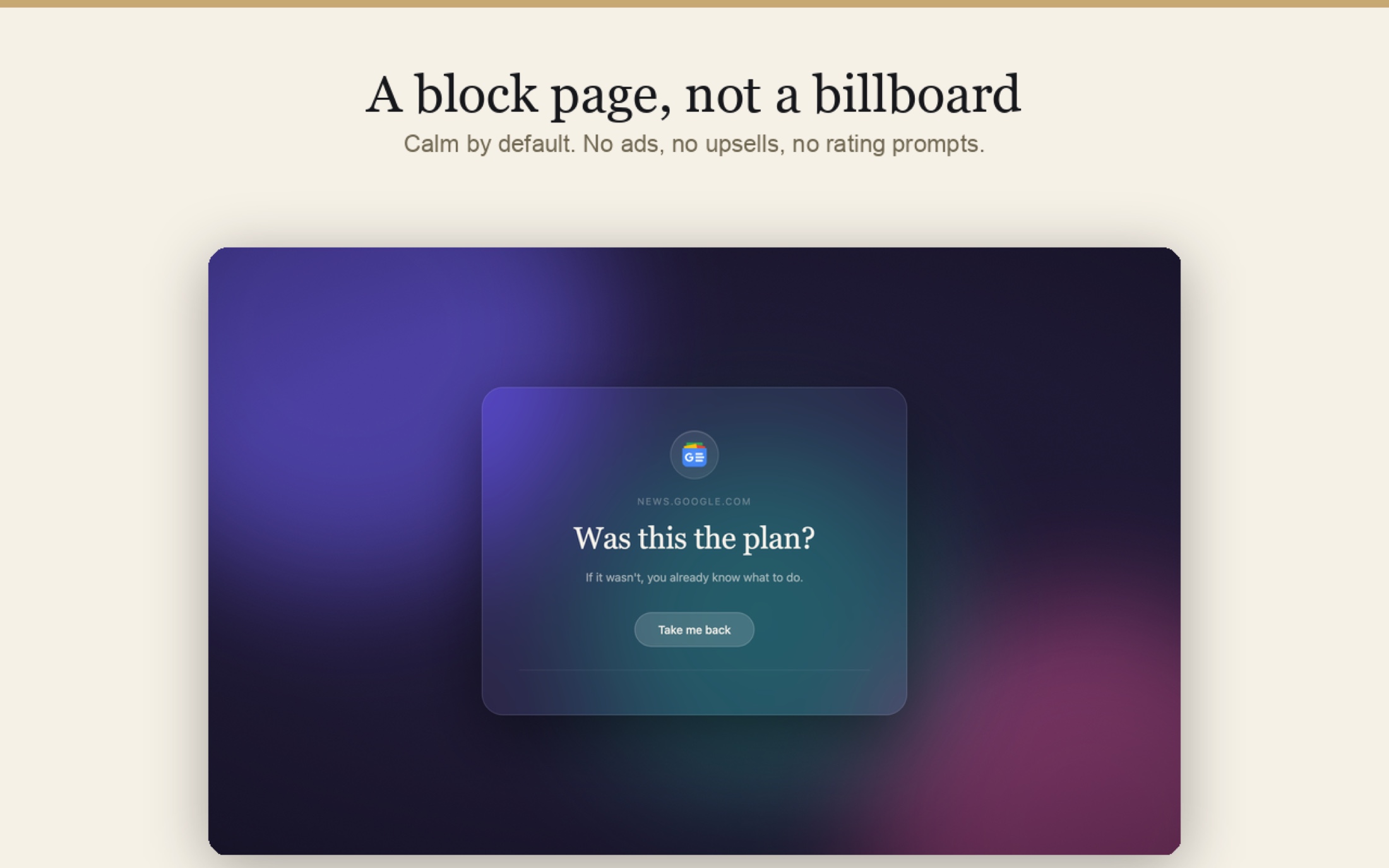
A block page, not a billboard.
The page you land on is the product, and you will see it at your weakest moments. So it never carries an ad, an upsell card, or a rating prompt: just the site's icon, your own words, and one obvious way back.
Sites, paths, keywords
Block a whole site, one corner of it, or any address containing a word. The free plan includes unlimited entries.
Allow-only mode
Flip the logic for deep work: everything is blocked except the short list you actually need.
Block the feed, keep the tool
Keep YouTube for the how-to video and lose Shorts. Keep Reddit for the answer and lose the popular feed.
Focus
Focus on demand, honesty about the escape hatch.
Focus sessions
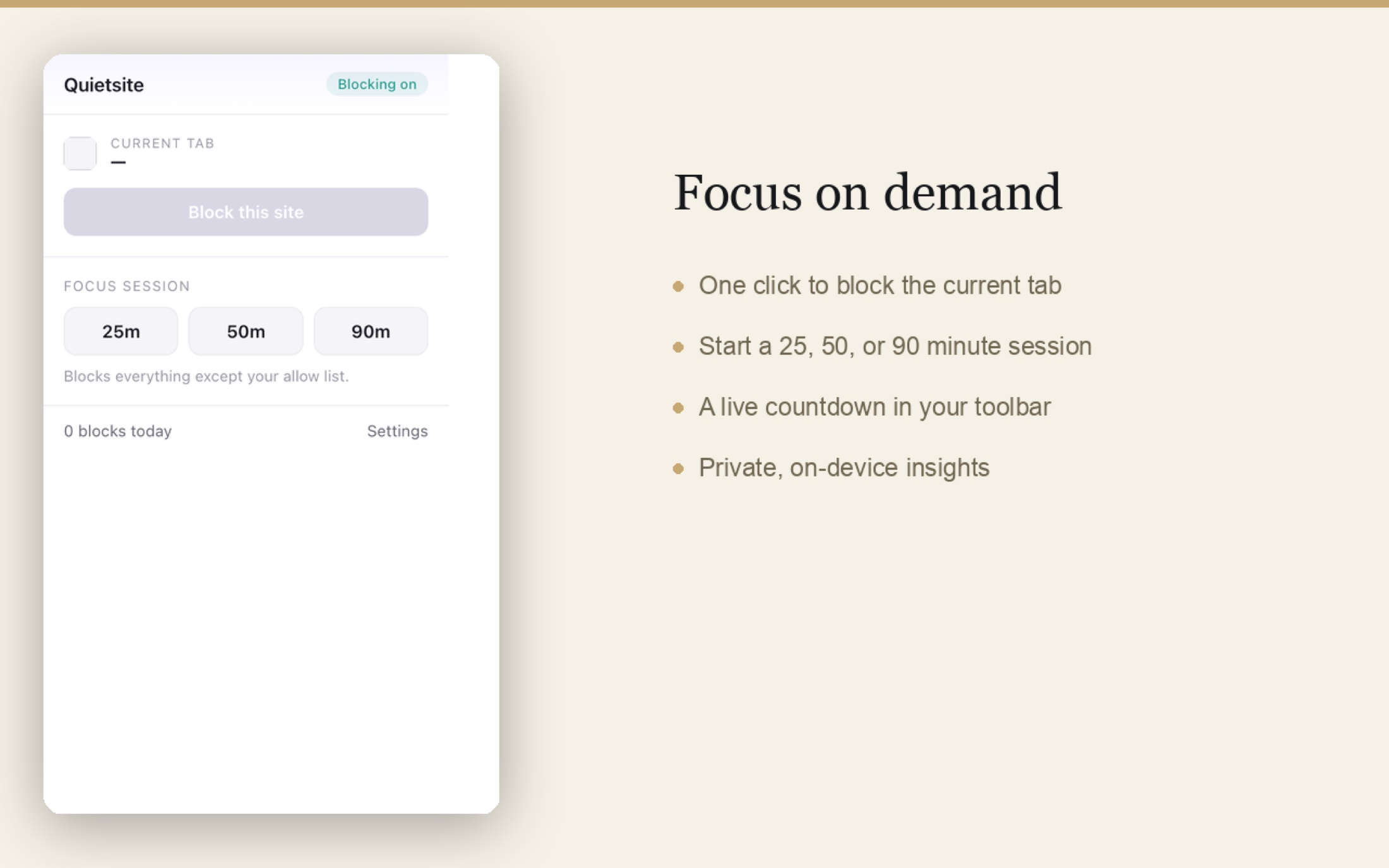
A timed 25, 50, or 90 minute block of everything except your allow list, with a live countdown in your toolbar. One click from the popup.
Schedule
Blocking turns itself on during the hours you choose, on the days you choose, and stays out of your way the rest of the time.
Daily time limits
Give a site a budget, say 30 minutes of Reddit a day. Time counts only while the tab is in front, and the budget resets every morning.
The gentle override
Sometimes you genuinely need the site. Take a breath, and Quietsite gives you a few timed minutes. Strict mode adds a personal identification number (PIN) and a session lock for the days you want the door to hold; escalating friction makes each override a little harder than the last.
Everyday
The moments it earns its keep.
The late-night scroll
Schedule blocking for the evening, and the night ends when you meant it to instead of 40 minutes later.
The deadline morning
A 90 minute focus session with allow-only mode: the three tabs you need, and nothing else loads.
The Shorts spiral
One tap blocks the feed and keeps the tool. The video you searched for still plays; the next 12 don't autoplay you into next week.
The news check that eats an hour
A 30 minute daily budget means the first check works and the fifth one lands on your own words instead.
The exam season
Strict mode with a PIN, held by you or someone you trust, so the door holds exactly as firmly as you asked it to.
The honest relapse
You truly need the site today. The gentle override gives you timed minutes without dismantling your whole setup.
Compared
How it sits beside the well-known blockers.
Checkable claims only: every rival is linked so you can read their pages yourself. Where another tool genuinely does more, the row says so.
If you need to block desktop applications, Cold Turkey is the right tool. If you need one list across your phone and laptop under one subscription, Freedom does that. Quietsite is for the person who wants browser blocking done beautifully, privately, and without a monthly bill.
Honest by design
Your browsing is none of our business, structurally.
Blocking runs in your browser
Blocking runs entirely in your browser, with no Quietsite account and no Quietsite server in the path. Day-to-day blocking happens entirely offline: even the site icons on your block page come from your browser's own local cache.
Your list stays yours
The block list and settings live in your browser's storage. If you use your browser's own profile sync (your Microsoft account in Edge, your Google profile in Chrome), your sync provider carries them across your machines; they never touch a server of ours and we never see them.
Nothing is tracked
No analytics beacons, no telemetry, no identifiers. The private insights counter (your blocks today, this week, all time) is computed on your device and stays there.
Built to keep working
Quietsite is Manifest V3 from day one, the current Chromium extension platform, so it was never part of the wave of blockers that broke when the old platform was retired.
Scoped precisely: Quietsite keeps your browsing data to itself, and blocking runs entirely offline. Browser profile sync, store updates, and the optional Pro purchase use their respective providers; publishing or importing a shared block-page design (a Pro feature) talks to the gallery service, carrying only the design itself, never a photo. Quietsite operates no browsing-data service of any kind.
Limits
What it does not do, said plainly.
It lives in your browser
Quietsite blocks websites in the browser it is installed in. It does not block desktop applications or games, and it has no phone app.
It is not a parental control
There is no category filter and no maintained adult-domains list. You block the sites you name, one decision at a time.
It will not fight you to the death
Strict mode raises the cost of quitting; a determined adult with uninstall rights can still leave. That is the honest place for the line.
One browser profile at a time
Your list follows your browser's own profile sync. Between different browsers, export and import a file you carry yourself. Phones remain out of scope.
Questions
Questions worth answering plainly.
Can Quietsite see my browsing?
Precisely: the extension processes page addresses locally, in your browser, to apply your blocks and time limits. Page contents are not read, collected, or transmitted, and everyday use runs entirely offline.
Why does it ask to "read and change data on all websites"?
Because you can block any site, the browser demands that permission before it will apply your rules to any address you might name. Quietsite turns your list into rules for the browser's own blocking engine, and the redirect to the local block page is what the permission wording covers. Quietsite's code never reads the pages you visit.
How is this different from BlockSite?
Three ways you feel immediately: unlimited blocking is free rather than capped, the block page carries your own words instead of an upgrade card, and nothing about your browsing routes through anyone's servers. The deeper difference is the business model: a one-time unlock instead of a subscription means nothing in the product is built to nag you.
Can I block just YouTube Shorts and keep YouTube?
Yes. Block a path rather than a site: youtube.com/shorts blocks the feed while search and regular videos keep working. One-tap presets cover the common feed traps, including Reddit's popular page and the X home feed.
Can I give myself 30 minutes of Reddit a day?
Yes. Daily time limits give a site a budget that counts down only while its tab is in front, then the site blocks itself until tomorrow morning.
Can I lock it so I cannot cheat?
Strict mode adds a PIN for settings changes and a lock so a focus session cannot be quit early. Set the PIN yourself or hand it to someone you trust during exam season.
Which browsers does it run in?
Quietsite is built on Manifest V3 for Chromium browsers. Its store listing today is in the Microsoft Edge Add-ons store. It is not available for Firefox or Safari.
What does the free plan include?
The core of the product, permanently: unlimited site, path, and keyword blocking, allow-only mode, scheduling, focus sessions with the toolbar countdown, the gentle override, the full Studio including your own photo backdrops, content blocks, private insights, and import and export of your list.
What will Pro cost, and what is in it?
Pro is a one-time $14.99 unlock, with no subscription, covering the power cluster: daily time limits, strict mode, escalating friction, per-site block pages, and publishing your block-page designs for others to import. Every Pro feature is unlocked for everyone while the purchase flow is being finished.
Does it block in private and incognito windows?
Only if you allow it to: browsers keep extensions out of incognito until you switch on "Allow in incognito" for them, on the extension's own settings page. If your late-night workaround is a private window, flip that switch and close the loophole.
Pricing
Generous free, one honest unlock, and no subscription anywhere.
Today, every feature is unlocked for everyone. The plan below is what Quietsite is built to, so there are no surprises later.
Free
$0
The whole core, forever.
Unlimited site, path, and keyword blocking
Allow-only mode and scheduling
Focus sessions with toolbar countdown
The gentle override
The full Studio: moods, your own photos, live preview
Content blocks, private insights, list import and export, design import
Pro
$14.99 one time
The power cluster, yours for good.
Daily time limits, per site
Strict mode: PIN plus focus lock
Escalating friction on overrides
Per-site block pages
Publish your designs to share
The bottom line
A tool for quiet should be quiet.
Quietsite asks you once what pulls you away, then spends the rest of its life saying almost nothing: a calm page, your own words, a way back. No ads, no cap, no meter running.
Get Quietsite
Set it up tonight, in about a minute.
Quietsite installs from the Microsoft Edge Add-ons store: one click on the button below, pin the moon, and add your first site. Nothing to sign up for, no email, no onboarding form: add one site to begin.
STAGED PREVIEW · quietsite.co — proposed new site (front-door proof) · /compare for side-by-side · nothing is live until you approveSTAGED PREVIEW · nothing is live